Create Custom AI Avatars, Images & HD Wallpapers
Turn simple ideas into custom AI avatars, profile pictures, images, artwork, and wallpapers. Describe what you want, choose a style, and start creating.
AI image generation makes it possible to turn a short description into a visual concept without needing professional design software. You can create a custom AI avatar, an AI profile picture, digital artwork, or a wallpaper designed around your screen.
This guide explains how AI avatar generators, AI image generators, and AI wallpaper generators work, how to write better prompts, and how to choose the right dimensions for different devices.
What do you want to create?
Choose a creative mode and describe your idea. Sign in to continue creating.
Create an AI Avatar
Describe the subject, style, colors, mood, background, or other details you want.
Sign in or create your Ezechax account to continue.
In this guide
- What is an AI avatar generator?
- How to create a custom AI avatar
- AI avatar styles to try
- What is an AI image generator?
- How to create AI images
- What is an AI wallpaper generator?
- How to create HD wallpapers with AI
- Best wallpaper sizes and aspect ratios
- How to write better AI image prompts
- What can you create with AI images?
- Frequently asked questions
Create Custom AI Avatars, Images and HD Wallpapers
Creating digital artwork no longer has to start with a blank canvas. With an AI image generator, you can describe an idea in everyday language and use that description as the starting point for a new visual.
An AI avatar generator can help you create a unique profile picture or character. An AI image generator can turn a written concept into artwork. An AI wallpaper generator can help you create backgrounds designed around the size and orientation of your phone, tablet, or computer.
The important part is knowing how to describe your idea clearly. The better your creative direction, the easier it is to explore a result that matches what you have in mind.
What Is an AI Avatar Generator?
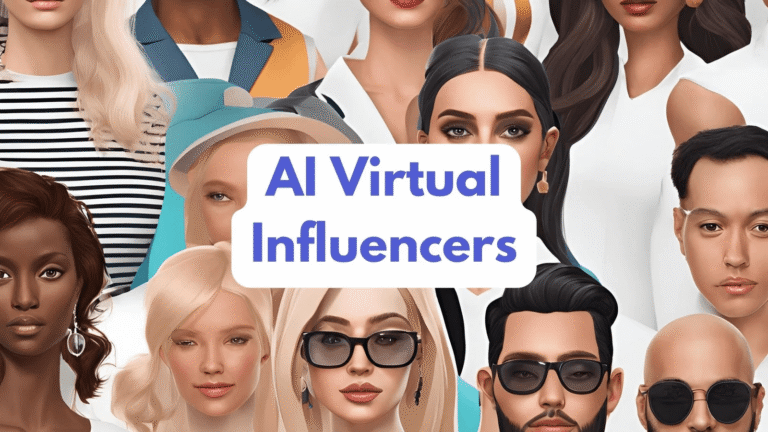
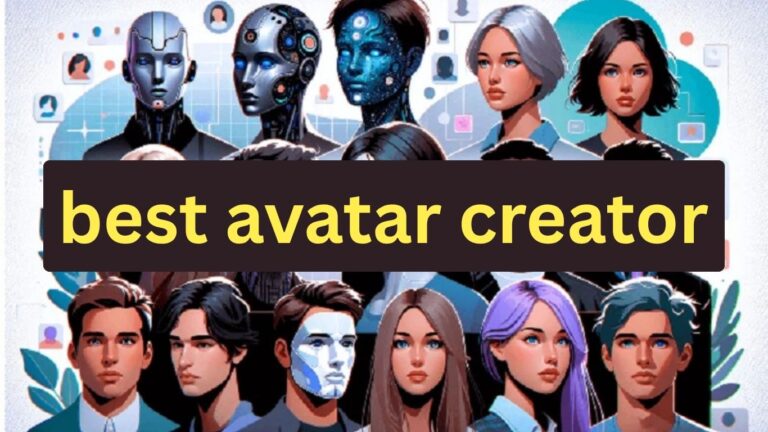
An AI avatar generator is a tool that uses artificial intelligence to create a character, portrait, or profile image based on a description or other input.
Instead of manually drawing a character or spending time searching for the right profile picture, you can describe the visual you want and explore different creative directions.
For example, you could describe a futuristic robot, a cartoon animal, a professional illustrated portrait, a fantasy character, or a minimalist profile icon.
What can you use an AI avatar for?
- Social media profile pictures
- Gaming profiles
- Community and forum accounts
- Personal creative projects
- Character concepts
- Brand and community artwork
How to Create a Custom AI Avatar
Creating an AI avatar starts with a simple idea. You do not need to know professional design software to begin.
Choose Avatar
Select the Avatar option in the Ezechax generator.
Describe the idea
Explain the character, appearance, mood, colors, or theme you want.
Pick a style
Experiment with styles such as realistic, anime, cinematic, 3D, or minimal.
Generate
Click Generate and continue to your Ezechax account.
“A friendly astronaut cat profile picture, purple space suit, glowing stars in the background, clean digital illustration.”
AI Avatar Styles to Try
Your visual style can completely change the personality of an avatar. Try different approaches until you find one that fits your idea.
Anime
Strong outlines, expressive features, and colorful character design.
3D
A dimensional look that can work well for characters, mascots, and gaming profiles.
Realistic
A more natural visual direction for portraits and realistic character concepts.
Minimal
Simple shapes, clean lines, and an uncluttered appearance.
Cinematic
Dramatic lighting, atmosphere, depth, and movie-inspired composition.
Fantasy
Magical environments, imaginative characters, unusual colors, and storytelling elements.
What Is an AI Image Generator?
An AI image generator creates visual content from instructions supplied by the user. This is commonly described as text-to-image AI when the primary input is a written prompt.
Instead of searching for an existing picture, you can describe the scene you need and use AI to explore a new visual concept.
Examples of AI image ideas
- Product concepts
- Fantasy landscapes
- Social media artwork
- Character concepts
- Digital illustrations
- Abstract artwork
- Background images
- Creative poster concepts
How to Create Custom AI Images
The easiest way to start is to think about the picture as a collection of simple elements: subject, environment, style, lighting, color, and mood.
- Describe the subject. Explain what should appear in the image.
- Describe the environment. Explain where the subject is located.
- Choose a visual style. Try realistic, cinematic, anime, illustration, 3D, or another direction.
- Add lighting and mood. Words such as warm, dramatic, soft, bright, mysterious, or futuristic can help communicate the atmosphere.
- Choose the format. Select a suitable aspect ratio for the platform where you intend to use the image.
“A peaceful mountain lake at sunrise, tall pine trees surrounding the water, mist between the mountains, warm golden light, cinematic landscape photography.”
What Is an AI Wallpaper Generator?
An AI wallpaper generator creates background images based on a user’s description. Instead of choosing from a fixed collection, you can describe a scene that matches your personal taste.
You could create a futuristic